 中文
中文 English
How to apply for trial and registration
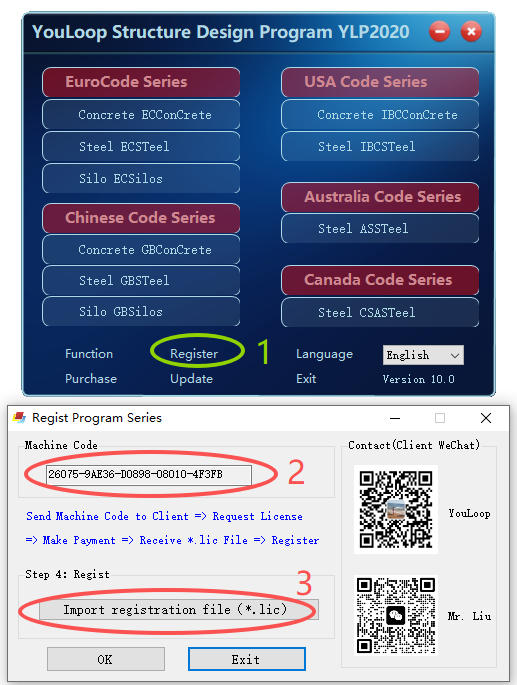
Steps for applying for a trial or formal registration
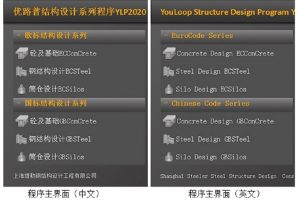
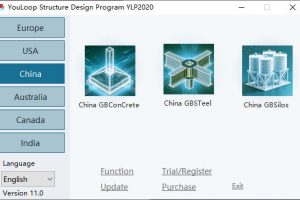
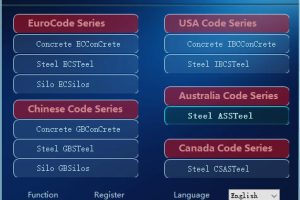
(1) Run YLP2020.exe. On the main interface, click the “Register Program” button to enter the registration interface;
(2) Copy the machine code and send it via WeChat or email to the customer service to submit the registration application;
(3) The customer service will provide a registration file *.lic for each computer. Users should properly save this file to their local computers. Click the “Import Registration File *.lic for Registration” button to import the received *.lic file and complete the registration. You will be granted an unlimited usage period of 60 days.
(4) Simply restart the main program YLP2020.exe;
You can contact Mr. Liu by phone or WeChat at any time to learn about the relevant registration details.

For users, you also can copy the Machine Code , and send it to one of the following E-Mails. You will be granted an unlimited usage period of 60 days.
| YLP2020 | YLP2020.com@gmail.com |
| Mr.Liu | steeler@steeler.cn |
| Mr.Liu | 1356745727@qq.com |
Attention
1. The program registration is carried out in the “one machine, one code” manner.
2. If the user has not “officially registered”, they can only use the Demo trial version. In the Demo program, the material strength and other parameters are assumed values, so it cannot be used for formal design calculations.